
Securing Claude and Your Skills: Keeping Credentials Out of Your Agent Container
Research shows nearly 20% of publicly available AI agent skills are suspicious or malicious - many targeting your credentials directly. This post explains why that risk is easy to miss, links to the research behind it, and walks through a Docker-based pattern that keeps third-party tool code and API keys out of the agent's reach entirely.
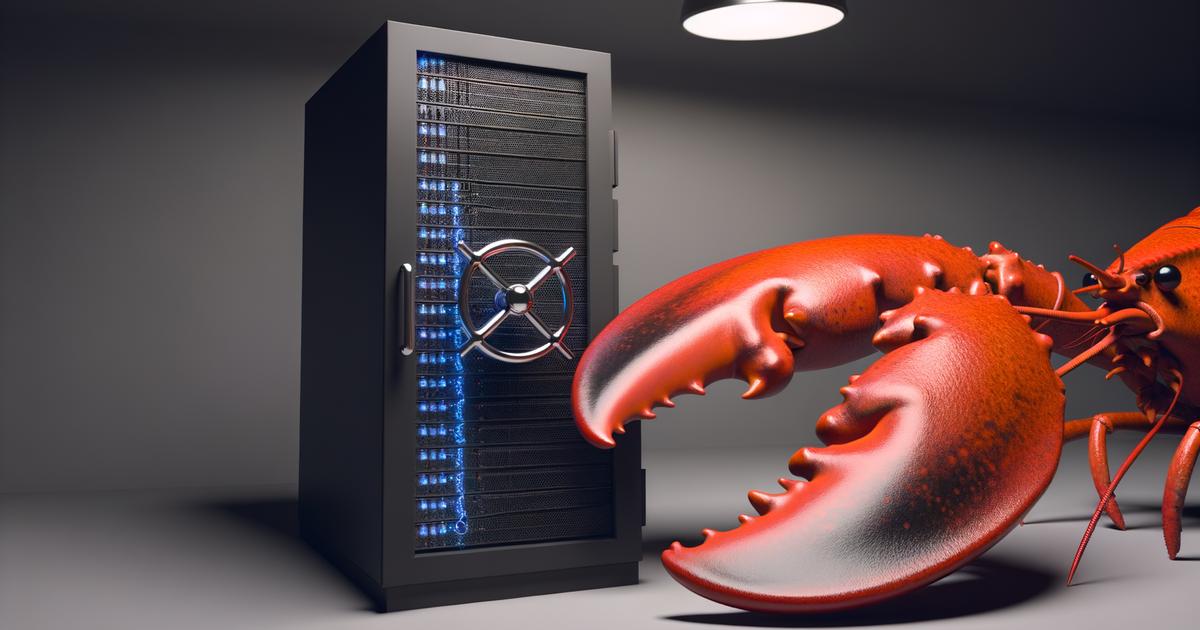
When an AI agent runs a tool, that tool inherits the same environment the agent is running in. That includes every API key you have set. It is not a flaw in any one platform; it is how operating systems work. Any external process you spawn gets a copy of your environment by default.
That default is convenient. It is also a credential surface you may not have thought about.
Skills: Giving Your Agent Hands
A raw language model can reason, draft, and plan - but it cannot act. Skills and agent tools are what change that. Give an agent a tool and it can generate images, send messages, query live data, manipulate files, call external APIs. The model decides what to do; the tool does the actual work.
The Skills format was originally developed by Anthropic and has since been released as an open standard at agentskills.io. It has been adopted across a range of coding agents. Other systems use their own terminology - tools, actions, plugins - but the underlying pattern is the same: the agent identifies a need, the runtime calls an external process or service, and the result comes back.
A popular agent pattern right now is the "claw-style" agent, named after OpenClaw - a framework that wires up a language model with a curated set of skills and tools to create a generalist agent that can solve complex tasks, and adds one key capability: skills declare the binaries they require, and OpenClaw installs them automatically. Those skills come from ClawHub, OpenClaw's own public registry.
I was experimenting with my own claw-like agent and wanted to port an OpenClaw skill that performs image generation to my own agent. It needs an OpenAI API key to work. The easiest path was to drop the key into the environment. I did not want to do that.
That hesitation turned into a question: is there a clean way to give the skill what it needs without exposing the key to the agent itself? The answer became the agent-tools-at-arms-length project. The constraint turns out to be worth thinking through for anyone running tools alongside an agent.
Reference Code
The pattern described in this post is backed by two working repositories:
- openai-image-gen - A Docker container that implements the OpenClaw image generation skill as an HTTP service, separate from the agent container. Drop it into any Docker Compose project as a starting point for your own tool services.
- agent-tools-at-arms-length - an end-to-end reference implementation of the agent that demonstrates how the agent and skills are not located in the same container, but communicate with each safely with each other.
Mixing Credentials and Untrusted Tools
Add a tool to your agent and you are introducing external code into the same environment where your credentials live. In OpenClaw, those tools are skills - SKILL.md packages from ClawHub, a public registry with thousands of community contributions. In a custom agent, they might be HTTP calls, shell commands, or compiled binaries. The mechanism varies; the mixing is the same: agent, credentials, and third-party tool code all share one OS environment.
When the agent invokes a skill or tool, it spawns a child process that inherits the parent's full environment by default. That means ANTHROPIC_API_KEY, OPENAI_API_KEY, any database URL, any service token you have set - all of it is visible to the child process unless you explicitly strip it.
The tool just works. Users installing skills from a public registry are unlikely to think about what those skills can read - including every credential in the environment.
Why It Matters
The risk compounds across three vectors.
Supply chain. Public skill and plugin registries introduce third-party code into your agent's environment. VirusTotal research found nearly 20% of OpenClaw skills are suspicious or malicious, including hundreds targeting credentials via typosquats. 1Password's research traces that path directly to credential theft. The same applies to any public plugin registry. Installing from one is an implicit trust decision.
Prompt injection. An attacker-controlled document or web page can instruct the agent to call a tool in a way that leaks environment variables. As Aembit notes, agents can be social-engineered into revealing env vars. The tool does not need to be malicious; it just needs to receive attacker-controlled input.
The Lethal Trifecta. When both risks converge with external connectivity, the exposure multiplies.
Lethal Trifecta: Martin Fowler's compound risk model for agentic systems. An agent that (1) has access to sensitive data, (2) processes untrusted content, and (3) can communicate externally creates compounded credential exposure risk. Each factor alone is manageable; together they significantly raise the stakes. See Agentic AI and Security.
OWASP LLM07 calls this out directly: plugins processing untrusted inputs with weak access controls risk severe exploits, and sandboxing is recommended for any plugin that makes external API calls.
The Fix: Containerize the Tool, Expose an HTTP API
The pattern is straightforward: move the third-party tool and its credential into its own container, and expose only an HTTP endpoint to the agent. The agent never sees the API key - it only knows the service URL.
As Composio describes it: "the LLM decides what action to take; the broker handles the how (makes the actual API call). If a prompt injection attack occurs, attackers cannot extract tokens because the agent never possessed them."
This works for any agent that calls external services - OpenClaw skills, custom tool integrations, or any subprocess your agent calls. The key ingredients:
- Agent container - runs your agent framework; knows only the internal service hostname (
http://openai-image-gen:5000); no API keys in its environment - Tool container - runs a thin HTTP service (Flask, Express, etc.); holds the credential as a Docker secret, not an environment variable
- Internal bridge network - connects the two containers; not routed to the host
Agent Container          Tool Container
+------------------+     +-------------------------+
| Claude Code      |     | Flask API               |
| (no API keys)    | --> | reads /run/secrets/...  | --> OpenAI API
|                  | HTTP|                         |
+------------------+     +-------------------------+
      |                         |
      +-------- agent-network --+   (not routed to host)
Walkthrough: The agent-tools-at-arms-length Reference Repo
When I set up agent-tools-at-arms-length, I kept the structure as simple as I could. Two containers. Nothing exotic.
agent-network bridge: The internal Docker network connecting agent and tool containers in this architecture. It is not routed to the host, so the tool service is unreachable from outside the compose stack - only the agent container can call it.
The agent side runs on node:24-slim with Claude Code, and its workspace access is scoped to /workspace only - no API keys anywhere in its environment. The tool side is python:3.14-slim with a Flask service that reads the OpenAI key from /run/secrets/openai_api_key rather than from an environment variable. That service exposes four endpoints: GET /health, POST /generate, GET /images/{id}, and DELETE /images/{id}.
Worth noting: both containers run hardened - non-root user, no-new-privileges: true, and tmpfs for /tmp. Not defaults you get for free - I wanted the containers hardened from the start. The agent reaches the image service over internal Docker DNS and never touches OpenAI directly.
The skill rewrite is where the design really clicked for me. The original OpenClaw skill calls Python directly and expects OPENAI_API_KEY in the environment - you can read it here. The refactored version doesn't touch credentials at all. It just posts to an internal URL. That is the entire skill.
POST http://openai-image-gen:5000/generate
From the agent's perspective, that one line is the whole change. The skill sends a request and the service handles authentication. The credential never crossed the network boundary into the agent container. The openai-image-gen source is a separate repo you can fork and adapt for other tool services.
Trade-offs: When to Add This Complexity
Two services to build, an internal network to manage, and secrets files to provision before launch - this is real overhead. Worth it when the tool holds a third-party API key, the agent runs in a shared or production environment, or the skill came from a public registry. Probably overkill if you are prototyping on a trusted machine with low-sensitivity keys.
For new tooling, MCP (Model Context Protocol) is worth a look - it offers a standards-based channel with per-client consent, which solves a similar problem with less hand-rolling. It has its own attack surface (SSRF, session hijacking), but it is a reasonable alternative to a custom HTTP wrapper.
One caveat: Docker isolation is defense-in-depth, not a guarantee. Container escapes exist. Non-root user and no-new-privileges: true are required, not optional.
Next Steps
The heuristic is simple: if a skill or tool touches a credential, containerize it. Give it an HTTP interface. Keep the credential out of the agent's reach entirely.
Fork agent-tools-at-arms-length as a starting template and adapt the openai-image-gen service for your own tool. Audit your existing skills for any that read from environment variables. For new tooling, check whether MCP fits your stack before building a custom HTTP wrapper.
The goal is straightforward: a bad prompt or a compromised skill package should not be able to reach your most sensitive keys.